
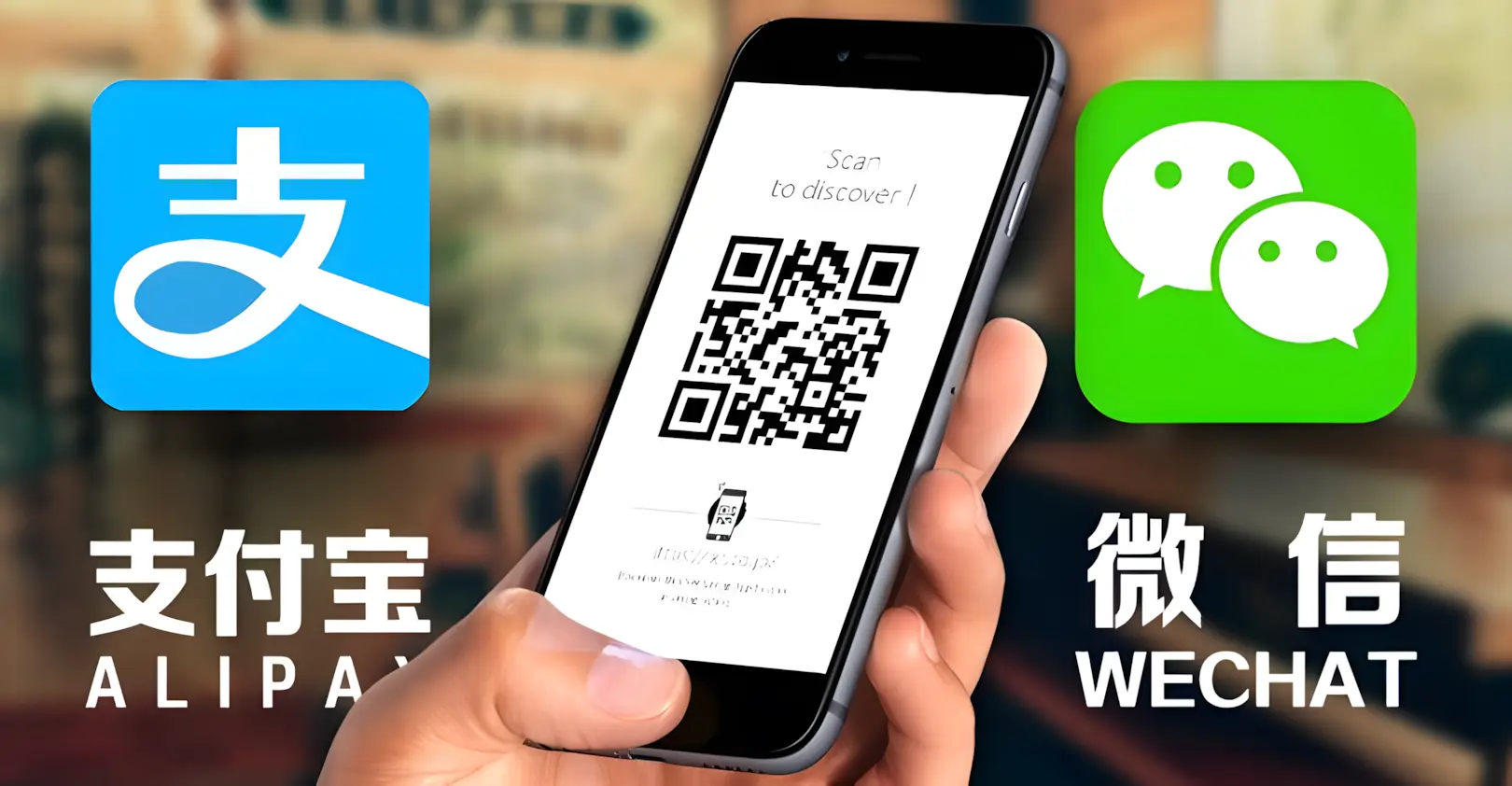
The Ultimate App Kit: Setting up Alipay, WeChat, and Didi Before You Land
One-Sentence Summary
This guide shows you exactly how to set up your payment, taxi, and map apps before you step foot in China so you can live like a local from minute one.
Who This Is For
First-timers to China who are worried about not being able to pay for things, get a taxi, or find their way around without knowing Chinese.
Quick Answer
- Alipay (The Must-Have): Download it and link your international credit card (Visa/Mastercard) immediately.
- WeChat (The Backup): Good for messaging and as a secondary payment option.
- Didi (The Uber of China): You can use the "mini-app" inside Alipay or download the standalone English app.
- Apple Maps / Amap: Your go-to for navigation (Google Maps is unreliable here).
Why This Matters
China is a hyper-digital society. While cash is legally accepted, it’s incredibly inconvenient for hailing rides, ordering food, or booking tickets. If you don't have these apps ready, you'll feel "locked out" of the city's basic services.
Main Content
1. Alipay: Your "Swiss Army Knife"
Alipay is the single most important tool for your trip. It’s not just for paying; you can use it to call taxis, pay for the metro, and even translate signs.
- International Friendly: It works great with foreign phone numbers and international cards.
- Core Features: Scan (to pay a merchant), Pay (show your code to a cashier), Transport (for buses/metro), and Didi (for taxis).
2. Didi: How to Actually Get Around
Don't bother trying to wave down a taxi on the street; almost everyone uses Didi.
- The English App: Didi has a standalone English app with a built-in translator. You type in English, the driver sees Chinese, and vice versa. It’s a lifesaver.
3. Navigation: Don't Rely on Google Maps
- Google Maps: Data is outdated and it’s blocked by the "Great Firewall."
- Apple Maps: Uses data from Amap (the local leader), making it very accurate in China. It also has a solid English interface.
- Amap (Gaode): If you can handle a little Chinese, this is the most powerful map, but Apple Maps is fine for most tourists.
Step-by-Step Guide
Step 1: Set up Alipay (Do this at home!)
- Download: Search for "Alipay" in your App Store or Google Play.
- Register: Use your home country's mobile number. You'll receive a 6-digit SMS code to verify — this is why you must do this before arriving in China.
- Verify Identity: Go to "Account" → "Settings" → "Identity Information." Upload a clear photo of your passport bio page. This unlocks payments above ¥2,000. If rejected: Ensure the photo is well-lit and the passport text is fully readable — blurry or cut-off images are the most common reason for rejection. Retry with a better photo. Approval usually takes under 5 minutes.
- Link Card: Go to "Bank Cards" → "Add Card" → enter your Visa or Mastercard number, expiry, and CVV. You'll get an SMS verification code. Card linking takes 2–5 minutes total.
- Confirm it's active: After linking, you'll see the card listed under "Bank Cards" with a green checkmark. "Active" means the card is verified and ready to use — you don't need to do anything else.
- Test it: Send yourself ¥0.01 via "Transfer" or just make a small purchase. If the payment screen shows your card and goes through, you're set.
Step 2: Access Didi (Taxi)
- Open Alipay and search for "Didi" in the top bar.
- The app will automatically find your location.
- Enter your destination (English usually works, but copying Chinese characters is safer).
- Pick your ride: Express (cheap/fast) or Premier (nicer car/better service).
Practical Tips
- Screenshot & Translate: If you hit a screen that's pure Chinese, take a screenshot and use Google Lens or the translate tool inside Alipay.
- Battery is Life: Your phone is your wallet. Always carry a power bank.
- No Fees for Small Stuff: Alipay currently waives the 3% credit card fee for transactions under 200 RMB.
Mistakes to Avoid
- Don't wait until you land: You need to receive an SMS verification code to register, which can be tricky if you're already roaming in China.
- Don't rely solely on cash: Many drivers simply don't carry change anymore.
Screenshot / Visual Suggestions
- [Screenshot: The Alipay home screen with labels for Scan, Pay, and Transport]
- [Screenshot: How to find the "Didi" tool inside Alipay]
- [Screenshot: The Didi English interface during a ride request]
Address Card (General Helper)
- Chinese Name: 锦江区 (成都中心)
- English Name: Jinjiang District (Downtown Chengdu)
- Taxi Card (Show to Driver): 请带我去春熙路附近。(Please take me near Chunxi Road.)