Chengdu SIM Card and WiFi Guide for Foreign Tourists
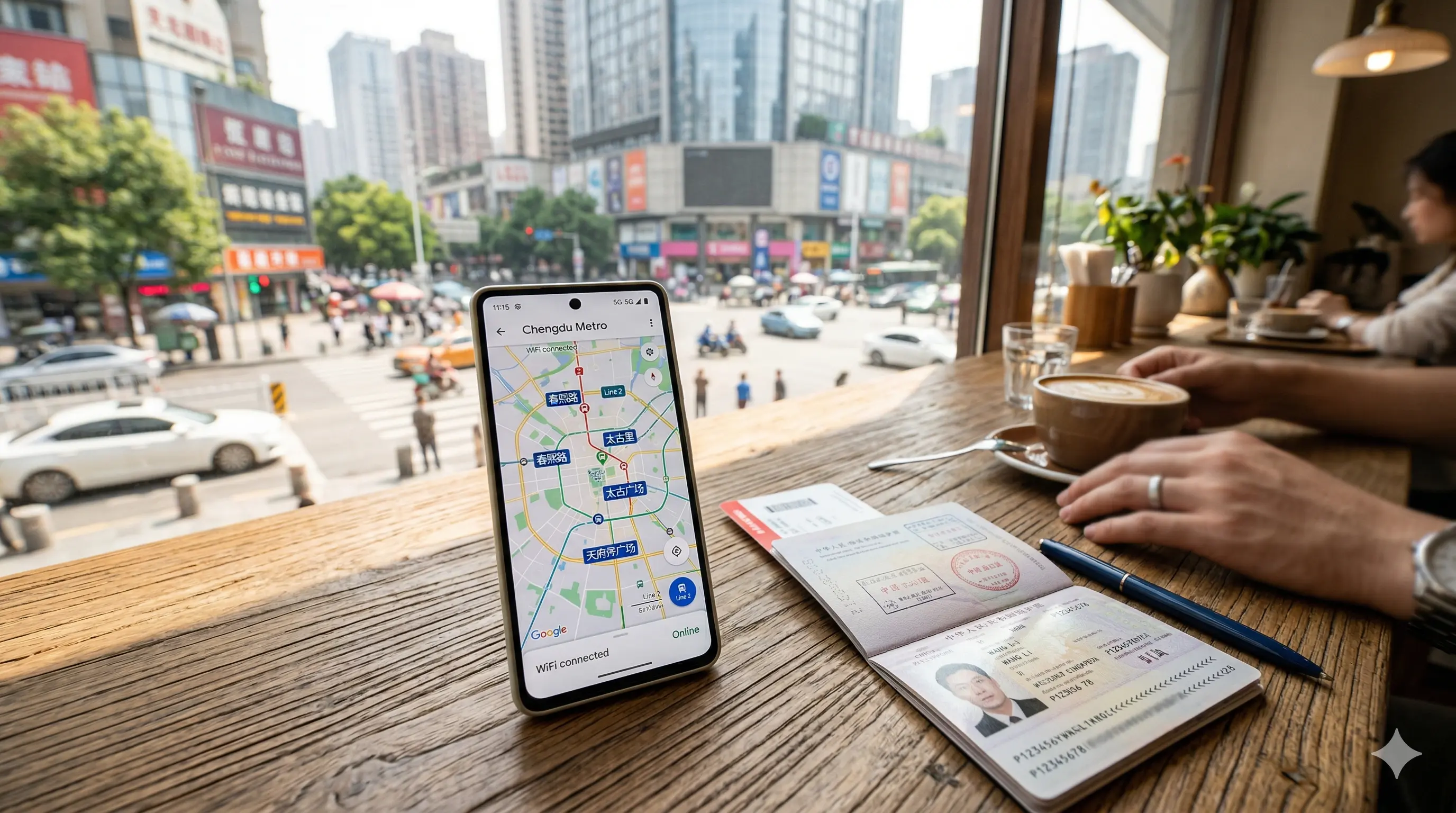
Getting internet access in Chengdu is the first practical thing to sort out after landing. Without it, DiDi doesn't work, maps don't load, and translation apps can't help you in real time.
This guide covers your options and which one makes most sense.
Why Internet Access Matters More in China Than Most Countries
In China, almost everything runs through mobile apps. Specifically:
- DiDi (ride-hailing) — requires internet to book
- WeChat Pay / Alipay — mobile payment requires a connection
- Maps — Google Maps works (slowly), local apps work better
- Translation — real-time translation in restaurants and stations
- Booking — some last-minute tickets need to be booked via app
Without internet access, you're relying on taxis (language barrier), cash only (no mobile pay), and asking for directions. All manageable — but having data makes everything significantly easier.
Sort this out before you leave the airport.
Option 1: Buy a Tourist SIM Card at the Airport (Recommended)
Both Chengdu Shuangliu (CTU) and Tianfu International (TFU) airports have telecom carrier counters in the arrivals halls. China Mobile, China Unicom, and China Telecom all operate stalls here.
What Tourist SIMs Offer
- Data: 10–30GB per plan depending on duration
- Duration: 7-day, 14-day, and 30-day plans available
- Voice calls: Usually included at basic level (not always needed)
- Cost: Approximately ¥50–150 depending on data and duration
The 7-day 10GB plan is sufficient for most short trips (Chengdu is well-covered, and apps like maps/translation aren't heavy data users). The 30-day plan is worth it if you're traveling around China for longer.
Which Carrier
- China Mobile: Best network coverage in China overall, including rural areas if you're doing mountain trips
- China Unicom: Slightly better for international roaming compatibility on some handsets
- China Telecom: Good urban coverage, sometimes cheaper plans
For Chengdu city travel: any of the three works. China Mobile has the widest overall coverage if you're also visiting rural Sichuan.
Setup at the Airport Counter
Bring your passport — SIM registration requires it. The staff at airport counters are experienced with foreign tourists; some speak basic English. The process takes 10–15 minutes.
Your SIM will be active and working before you leave the counter.
Does It Work With Your Phone?
Most modern unlocked smartphones work with Chinese SIMs (they use standard nano-SIM size and 4G/5G bands). Carrier-locked phones (bought on contract) may not accept foreign SIMs.
Check before you travel: Confirm your phone is SIM-unlocked. If you're unsure, ask your carrier at home or test with a local SIM.
Option 2: Buy a SIM Before You Arrive
Several options exist for purchasing a China data SIM before landing:
- Amazon and other online retailers sell "China tourist SIM" cards that arrive pre-registered
- Airport convenience stores in Hong Kong and some major Asian hubs sell China-ready SIMs
Advantage: Activated before landing, no airport queue
Disadvantage: More expensive than buying at the airport, and plans may be less flexible
Worth considering if you have a tight connection in China or want everything sorted before you land.
Option 3: International Roaming on Your Home Plan
If your home mobile carrier offers international roaming that includes China, you can simply use your existing number.
The major caveat: International roaming in China often does not include access to blocked services (Google, WhatsApp, Instagram, etc.) because your data is routed through the Chinese internet rather than your home country. Even if you have roaming data, some apps won't work.
Roaming works fine for: Local calls back home, receiving SMS verification codes, basic data that doesn't require Google
Roaming doesn't solve: Access to blocked services, and it's typically much more expensive per GB than a local SIM
Option 4: Portable WiFi (Pocket WiFi) Rental
Portable WiFi devices can be rented from the airport, from hotels, or booked in advance online (collected at the airport).
- Daily cost: ¥30–60/day
- Data: Usually unlimited (speeds may be throttled after a threshold)
- Coverage: Wherever the carrier network reaches
- Can be shared with multiple devices — good for groups
When pocket WiFi makes sense:
- Traveling with a group where multiple people need internet
- Your phone is carrier-locked and won't accept a local SIM
- You need internet on devices other than your phone (tablet, laptop)
Downside: One more device to carry and charge. Return logistics (drop-off before flight) require planning. Not worth the complexity for solo travelers.
A Note on VPNs
China blocks Google, YouTube, Instagram, WhatsApp, Facebook, and most foreign social media and news sites. To access these, you need a VPN.
Critical: Download and install your VPN before entering China. VPN apps are blocked in China and cannot be downloaded from Chinese internet (including on the App Store if your App Store is set to China region). If you didn't install a VPN before arriving, you can't easily get one once you're there.
What works without a VPN:
- WeChat (includes maps and translation tools)
- DiDi
- Baidu Maps
- Amap (高德地图)
- Email on most providers (Gmail works slowly; ProtonMail works)
If your work or travel depends on Google Maps, Google Translate, or WhatsApp, a working VPN is important to set up in advance.
In Summary: What to Do
Before you leave home:
- Install and activate your VPN
- Download DiDi, WeChat, Alipay, Amap (高德地图), and Google Translate
- Confirm your phone is SIM-unlocked
At the airport (before leaving arrivals):
- Find the telecom counter (China Mobile or China Unicom)
- Buy a tourist SIM (7-day or 30-day plan)
- Test that data is working before you leave the counter
After that: Everything else in Chengdu is easier with a working data connection.